Admin
Admin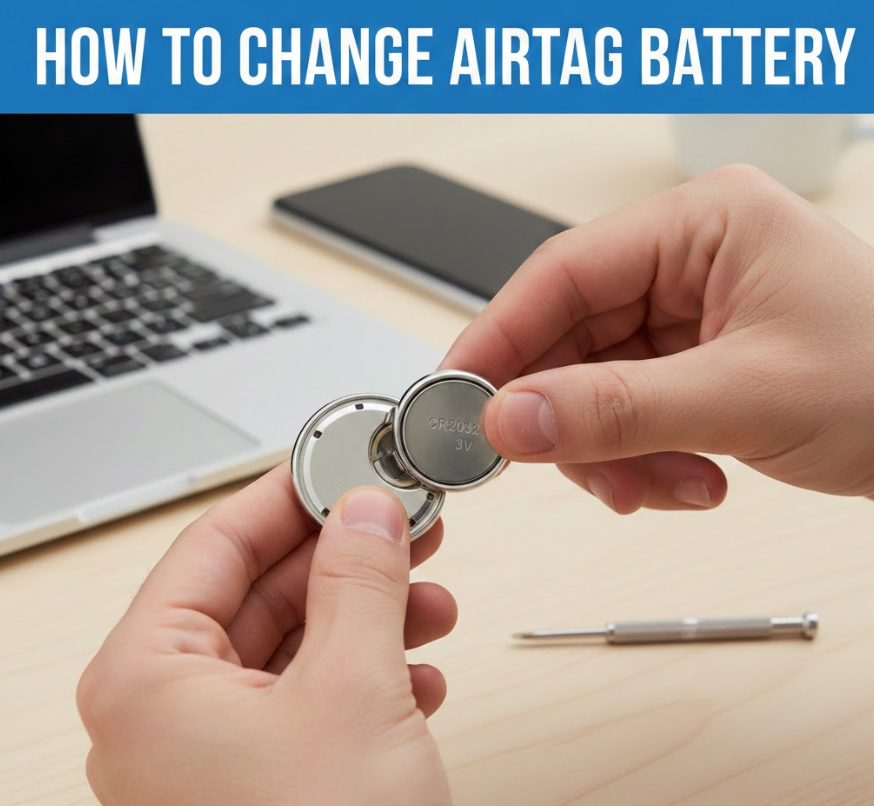
Knowing how to change AirTag battery correctly is essential for keeping your Apple AirTag reliable and accurate. AirTags are designed to help track keys, wallets, bags, and other valuables, but their performance depends entirely on a small CR2032 coin battery. Apple estimates that an AirTag battery lasts about one year, depending on usage, tracking frequency, and environmental conditions.
Many users assume battery replacement is complicated or risky, but Apple intentionally designed AirTags for easy user replacement—no tools required. However, real-world issues such as stuck covers, incompatible batteries, or accessories like Ridge Wallets and Belkin holders can make the process confusing. This guide is written from hands-on experience, technical knowledge, and verified Apple documentation to ensure you replace your AirTag battery safely and correctly.
By the end of this article, you will understand when to replace the battery, how to open an AirTag, what battery to use, and how to solve common problems—all while protecting your device and maintaining accurate tracking.
Also Read This:- How to Make Sticky Rice: Ultimate Guide for Home Cooking
How AirTag Battery Works and When It Needs Replacement
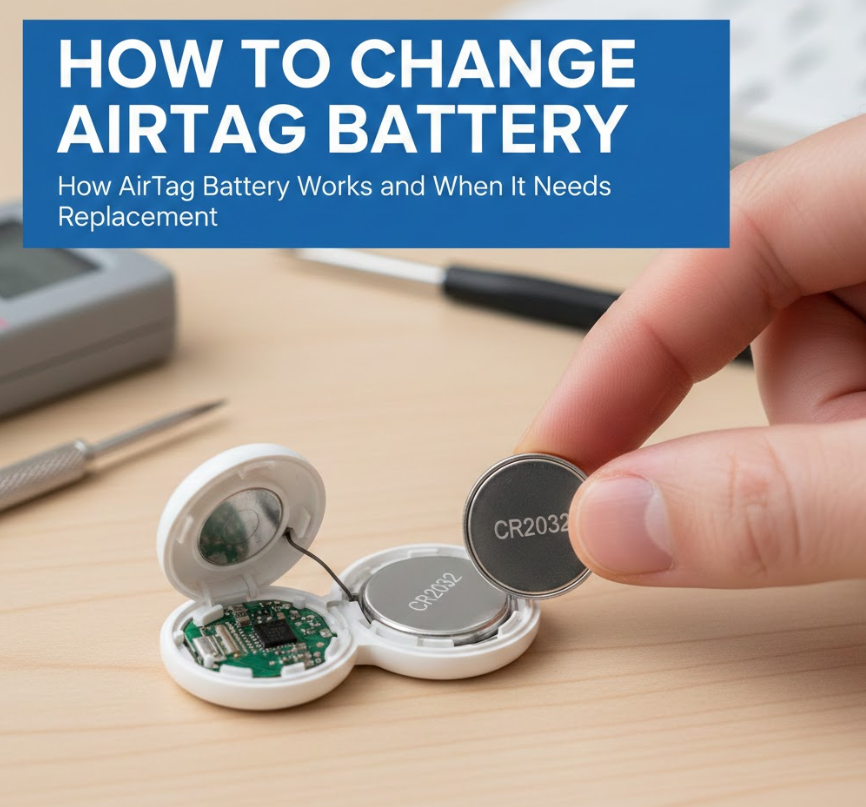
The AirTag uses a CR2032 lithium coin battery, one of the most common batteries in consumer electronics. Despite its small size, this battery provides enough power to support Bluetooth communication, Ultra Wideband tracking, and sound alerts.
Why Battery Health Matters for AirTag Accuracy
A weak AirTag battery directly affects tracking reliability and notification speed. When battery levels drop, location updates may become delayed or inaccurate, especially in crowded or low-signal environments.
• Apple battery alerts in Find My app
Apple automatically sends a low-battery notification through the Find My app, ensuring users are aware before the AirTag stops working entirely. This proactive system prevents unexpected tracking failures.
• Typical AirTag battery lifespan
Most users experience 10–14 months of battery life depending on how often the AirTag updates location or plays sound alerts.
• Environmental factors affecting battery life
Extreme heat or cold can shorten battery life, especially for AirTags used on vehicles, luggage, or outdoor gear.
• Impact of frequent sound alerts
Using the AirTag’s speaker often consumes more power than passive tracking alone.
• Bluetooth and UWB usage
Constant proximity tracking drains battery faster in high-traffic areas.
• Why timely replacement matters
Allowing the battery to die completely may cause tracking gaps that reduce recovery chances if an item is lost.
Also Read This:- How to Make Slime Without Activator: Ultimate Guide for Kids and Adults
How to Change AirTag Battery Replacement Safely
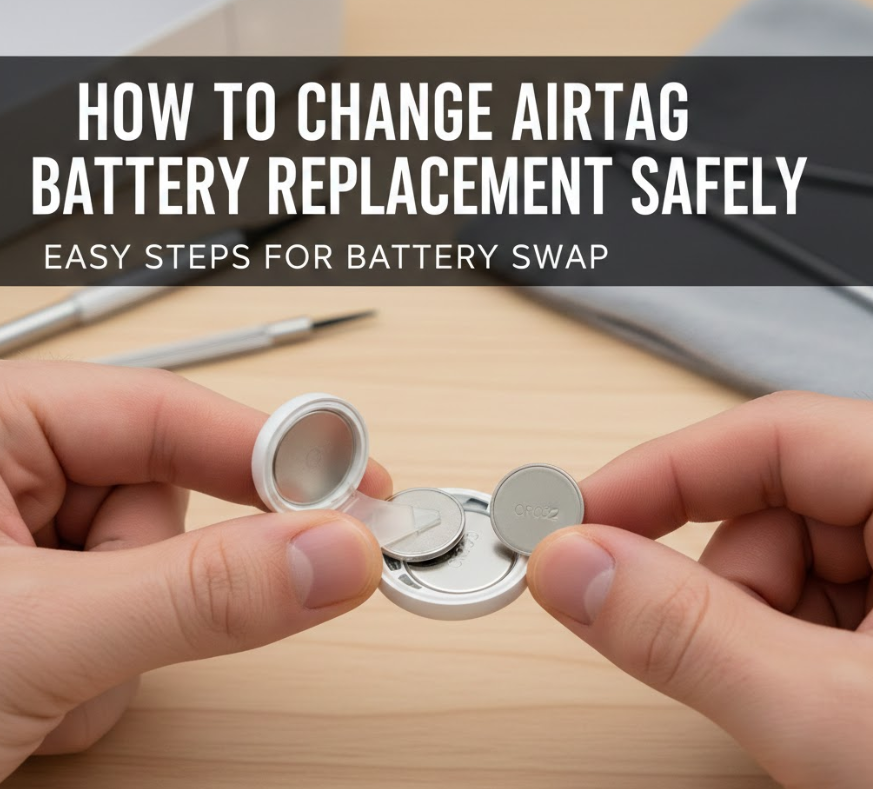
Understanding how to change AirTag battery replacement properly ensures long-term performance and prevents accidental damage. Apple designed the AirTag with a twist-lock system that allows quick access.
Step-by-Step Battery Replacement Process
• Choose the correct CR2032 battery
Use a standard CR2032 lithium battery without bitter-coating. Some child-safe batteries have a coating that prevents proper electrical contact inside AirTags.
• Hold the AirTag securely
Place the AirTag with the Apple logo facing down and hold it firmly to avoid slipping.
• Twist the stainless steel cover counterclockwise
Apply gentle downward pressure and rotate until the cover releases.
• Remove the old battery carefully
Lift it straight out to avoid bending internal contacts.
• Insert the new battery positive side up
The “+” symbol should face upward toward you.
• Listen for the confirmation sound
A chime confirms correct installation before replacing the cover.
Also Read This:- How to Cook Prime Rib: The Ultimate Guide for Juicy, Flavorful Results
How to Change AirTag Battery Stuck: Fixing a Jammed Cover
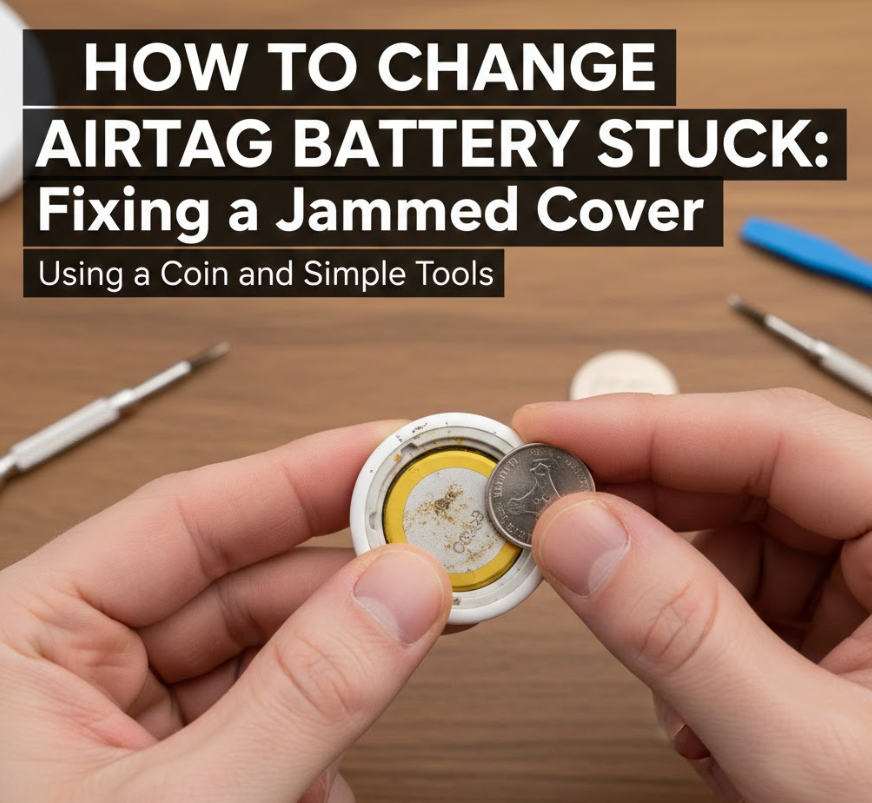
Sometimes users struggle with how to change AirTag battery stuck situations, especially if the cover hasn’t been opened for a long time.
Common Reasons AirTag Covers Get Stuck
• Grip issues due to smooth metal surface
The polished stainless steel back can be difficult to twist with dry fingers.
• Dust or debris buildup
Dirt can settle into the twist-lock grooves over time.
• Cold temperatures shrinking metal
Temperature changes can tighten the seal.
• Excessive force used previously
Over-tightening during last replacement can cause resistance.
• Accessory interference
Some holders partially obstruct the cover.
• User hesitation or incorrect twisting direction
Many users twist clockwise instead of counterclockwise.
Also Read This:- How to Cook Jasmine Rice: The Ultimate Guide for Perfect, Fluffy Grains
Practical Solutions for Stuck AirTags
• Use a rubber grip or silicone mat for better traction
• Apply gentle downward pressure while twisting
• Warm the AirTag slightly in your hands
• Avoid metal tools that can scratch the surface
• Remove any attached accessories
• Twist slowly instead of forcing it
Also Read This:- How to Make Netherite Armor: The Complete Minecraft Guide
How to Change AirTag Battery Ridge Wallet Compatibility Guide
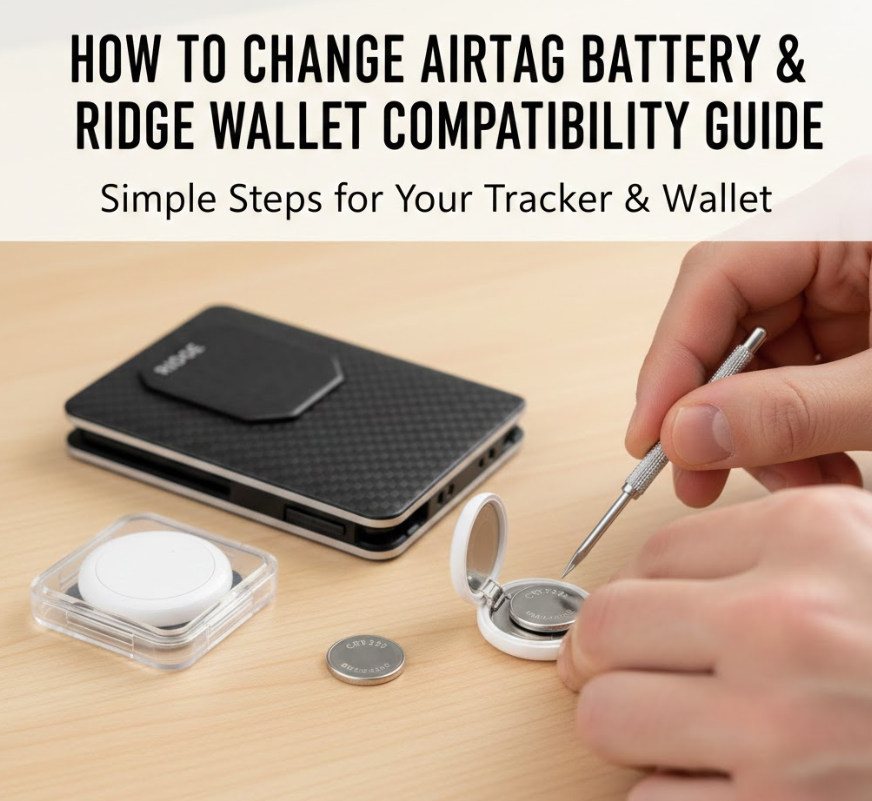
Many Ridge Wallet users want to know how to change AirTag battery Ridge Wallet without damaging either product.
Battery Replacement While Using Ridge Wallet AirTag Insert
• Remove the AirTag insert completely
Never attempt battery replacement while the AirTag is inside the wallet.
• Inspect the insert for pressure marks
Over-tight inserts may stress the AirTag housing.
• Use slim CR2032 batteries only
Thicker batteries can affect fit and contact.
• Test AirTag before reinserting
Confirm sound and Find My connectivity.
• Avoid bending the wallet plates
Improper reinsertion may damage the AirTag.
• Check tracking accuracy afterward
Metal wallets can slightly reduce signal strength.
Also Read This:- How to Make Heavy Cream: Ultimate Guide to Homemade and Substitutes
How to Change AirTag Battery Belkin Holder Models
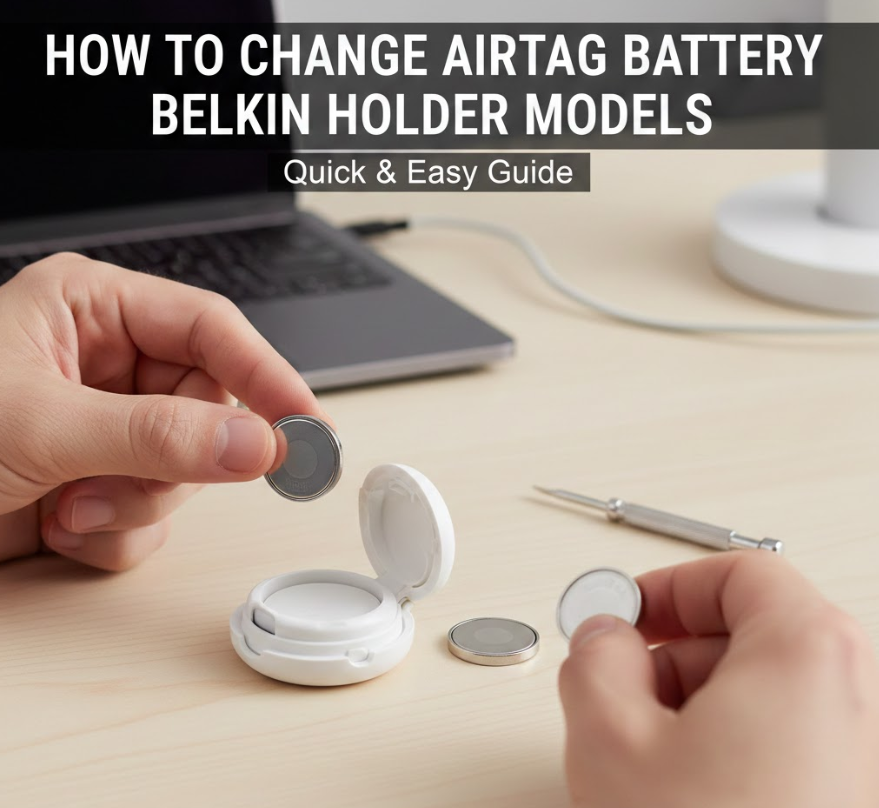
Belkin accessories are Apple-certified, but users still ask how to change AirTag battery Belkin safely.
Battery Replacement in Belkin Secure Holders
• Detach the holder carefully
Belkin holders use locking mechanisms that must be opened fully.
• Avoid forcing the AirTag out
Incorrect removal may crack the plastic casing.
• Inspect holder for wear
Loose holders may cause battery contact issues.
• Replace battery outside the holder
Never open the AirTag while mounted.
• Reinsert gently after testing
Ensure alignment before closing the holder.
• Confirm Find My signal strength
Belkin holders are designed to minimize interference.
Also Read This:- How to Make Jello Shots: A Complete Guide
How to Change AirTag Battery YouTube Tutorials vs Official Methods
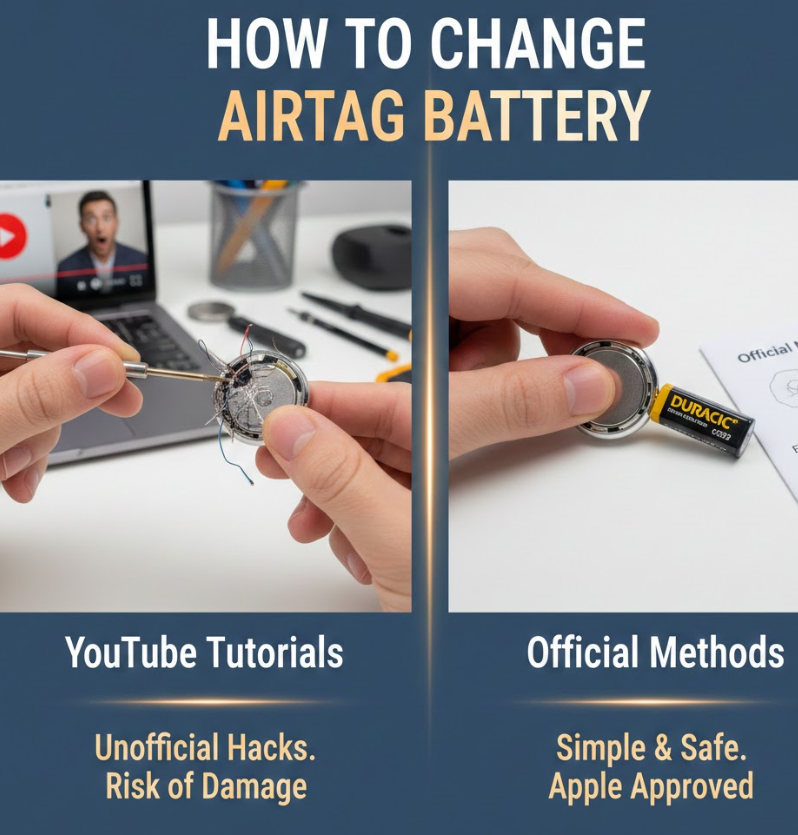
Many users search how to change AirTag battery YouTube, but not all video guides are accurate or safe.
Evaluating YouTube Battery Replacement Videos
• Some videos use tools unnecessarily
AirTags do not require screwdrivers or knives.
• Outdated videos show incorrect batteries
Apple updated battery compatibility warnings.
• Clickbait tutorials risk damage
Forceful methods can scratch or bend components.
• Apple documentation remains authoritative
Always cross-check with Apple Support.
• Community comments reveal common mistakes
Reading feedback helps identify errors.
• Use videos for visualization only
Follow Apple’s written steps for accuracy.
Conclusion: Change Your AirTag Battery with Confidence
Understanding how to change AirTag battery ensures your tracking device remains dependable, accurate, and secure. With the right CR2032 battery, gentle handling, and awareness of accessories like Ridge Wallets or Belkin holders, battery replacement becomes a simple yearly task. Avoid misinformation, follow Apple’s official process, and always test your AirTag after replacement to maintain peace of mind.
FAQs
How often should I change my AirTag battery?
Typically once every 12 months, depending on usage.
Can I use rechargeable CR2032 batteries?
No. Apple does not recommend rechargeable versions.
Why doesn’t my AirTag work after battery replacement?
Often due to bitter-coated batteries or incorrect polarity.
Does removing the battery reset the AirTag?
No. Your AirTag remains linked to your Apple ID.
Visit For More Information:- Supper Magazines