 Admin
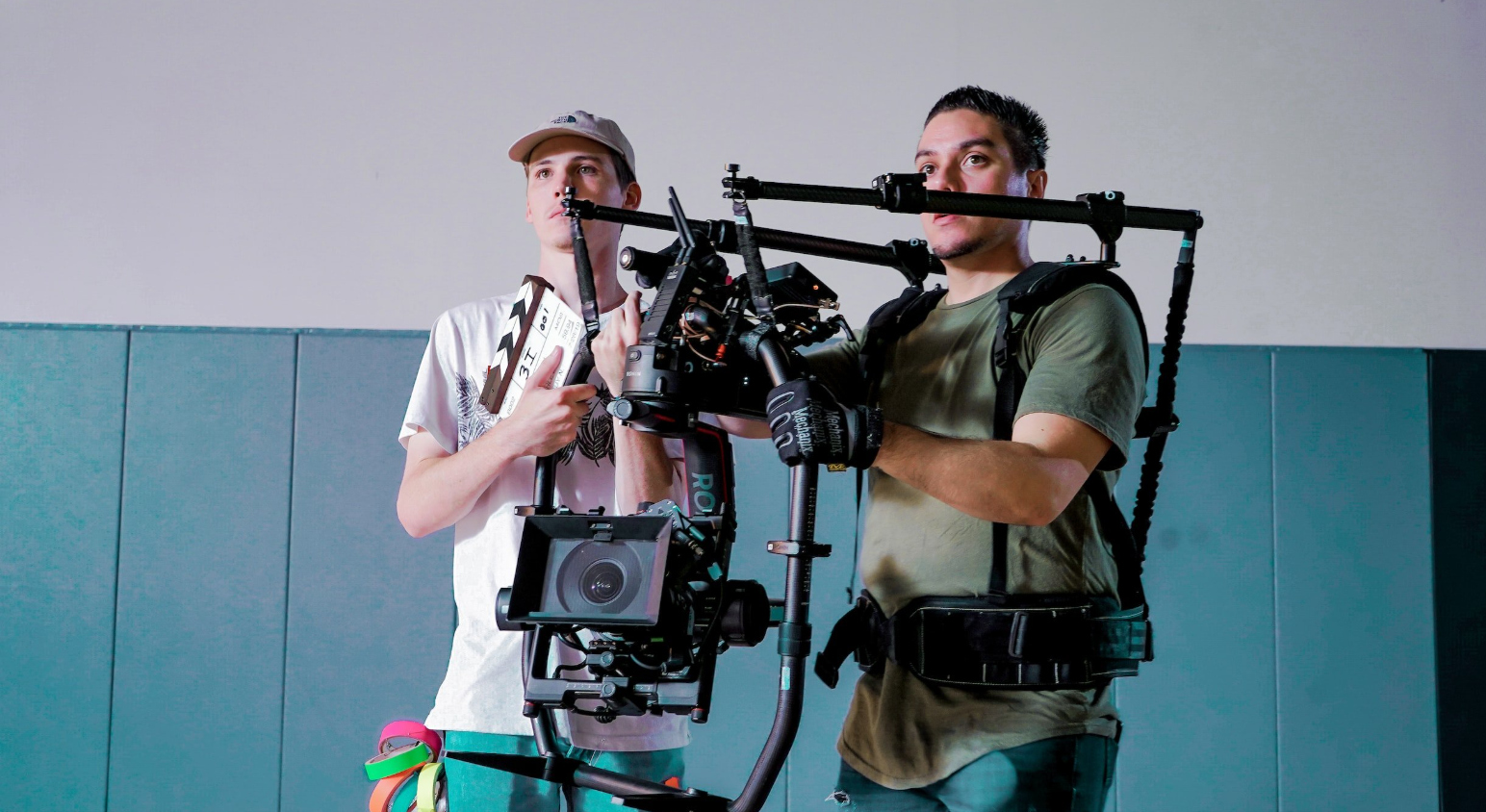
AdminThere was a time when “professional video” automatically meant a full crew — a director, a cinematographer, a sound engineer, an editor, and a budget large enough to cover all of them. For independent creators, small business owners, and solo marketers, that bar was often simply out of reach, no matter how strong the idea behind the video was.
The gap wasn’t creative talent; it was access to the people and equipment needed to be executed at a professional level. Dreamina and its Seedance 2.5 video generation model are closing that gap, giving a single person the tools to produce video work that used to require an entire team standing behind it.
Why professional quality used to require so many hands
A polished video is really the sum of many smaller jobs done well at the same time — steady camera work, thoughtful lighting, clean audio, tight editing, and color grading that ties it all together. Traditionally, each of those jobs needed a different specialist, which is exactly why video production budgets ballooned so quickly. Even a short, simple video could require coordinating multiple people’s schedules, renting equipment, and booking a location, all before a single frame of usable footage existed.
For anyone working solo or with a small team, this created a real ceiling. Ideas that deserved a cinematic treatment often got scaled down to whatever a single person with a phone camera and basic editing software could manage — which rarely matched the vision in their head.
What makes Seedance 2.5 capable of doing a crew’s job
Seedance 2.5 was designed to absorb many specialized production roles into a single, guided process. Instead of hiring separate people for cinematography, lighting, and editing, a creator can describe what they want and let the model handle the technical execution.
A big part of this comes down to realism
The flat “AI-generated” look that made earlier tools easy to spot has been noticeably reduced, replaced with more natural physical texture and motion that reads as genuinely filmed. Complex actions and transitions — the kind that used to require careful choreography and multiple takes — now render smoothly and believably.
Post-production cleanup now happens automatically
Unwanted elements like random subtitles or mismatched background music, which used to require manual cleanup, no longer show up by default, leaving cleaner base footage to work with. Voice and tone consistency has also improved, so dialogue or narration stays coherent across a video instead of shifting unpredictably from one scene to the next.
Reference-driven direction replaces a crew briefing
Green screen references let creators anchor complex physical interactions — like precise contact between two people — to real footage instead of leaving it to interpretation. White-model blockout references handle multi-person blocking, mapping out how several people should move and position themselves relative to each other, much like a cinematographer would plan shots before filming.
Motion and consistency hold up under real scrutiny
Motion transfer and reference-based generation are far more reliable now, with consistency improving from roughly 70% to over 90% compared to earlier versions. Combined with two full rounds of extension support and doubled single-clip duration (15 to 30 seconds), a video can run longer without the visible quality drop-off that used to give away where a crew’s job was missing.
None of this requires technical training to use. It simply means the heavy lifting that used to sit with specialists now happens automatically, guided by clear direction from the creator.
Build your own production line with Dreamina
Producing a professional-looking video solo comes down to just three steps.
Step 1: Brief your “crew” with a prompt and a photo
Visit Dreamina, sign in, and head to the “AI Video” section. If your video is built around a specific product, person, or setting, click “Add reference image” and upload a photo to guide the generation. If you’re working from imagination alone, skip that step and write your prompt directly. A strong prompt does the job an entire crew briefing would normally cover.
For example: A handcrafted ceramic coffee cup is placed on a rustic wooden table as soft morning sunlight streams through a nearby window. Steam slowly rises from the freshly brewed coffee while the camera begins with a close-up of the swirling steam, then smoothly circles the cup to reveal rich textures, warm wood grain, and subtle reflections. The shot gradually widens to include scattered coffee beans, an open notebook, and a cozy café-like atmosphere before ending on a gentle overhead view. Warm natural lighting, cinematic depth of field, slow rotating and push-in camera movements, inviting and comforting mood, continuous cinematic sequence.
Step 2: Let Seedance 2.5 run production
With your prompt set, select the Seedance 2.5 model for generation. Choose your video length, then pick an aspect ratio suited to where the video is headed — 16:9 for YouTube, or 9:16 for TikTok. Click Dreamina’s generation icon and let it handle the equivalent of filming, lighting, and camera work in just a few seconds.
Step 3: Wrap post-production and ship it
Before saving, use Dreamina’s AI editing tools to give the video a final professional touch. Upscale sharpens resolution for a crisper, more polished finish, while Generate Soundtrack adds audio that matches the tone of the piece. Once it’s ready, export the video and share it across social platforms, ads, or wherever it needs to go.
Where this makes the biggest difference day to day
The impact of skipping a full crew shows up most clearly in everyday, practical scenarios rather than one-off passion projects.
- A small business can turn a new product launch around in a single afternoon instead of scheduling a shoot weeks in advance.
- A marketer can test several different ad concepts in the time it used to take to plan just one shoot, since there’s no equipment to rebook or location to revisit for a second take.
- A freelancer or agency can respond to a client’s last-minute request without needing to pull in outside contractors just to hit a tight deadline.
What ties these examples together is speed without sacrificing polish. The output doesn’t look rushed or improvised — it looks like the result of a team that had time to get every detail right, even when the actual turnaround was measured in minutes rather than weeks.
Getting crew-level results without a crew-sized budget
A few habits help push results even closer to a fully produced feel. Writing prompts with specific camera language — words like “slow pan,” “tracking shot,” or “close-up” — tends to produce more intentional-looking footage than vague descriptions. Uploading a clean, well-lit reference photo when possible also gives the model a stronger foundation to build from, much like a good reference shot would guide a real cinematographer.
What used to require a full team, a production schedule, and a meaningful budget can now start with one person and a clear idea. With Dreamina and its Seedance 2.5 model, professional-quality video is no longer locked behind the size of a production team — it’s available to anyone willing to put thought into their prompt.